Home > Blog > The Ultimate Guide to In-Cabin Displays: Enhancing User Experience, Safety, and Innovation
The Ultimate Guide to In-Cabin Displays: Enhancing User Experience, Safety, and Innovation
Time: 2025-02-18 Editor: Hitekon Rugged Vehicle Tablet Rugged Vehicle Tablet Manufacturer
In-cabin displays have transformed modern vehicles from mere transportation tools into smart, interactive spaces. These systems—ranging from digital dashboards to infotainment touchscreens—are no longer optional luxuries but integral components of driver safety and passenger experience. This guide dives into their design principles, functionality, and emerging trends, ensuring you understand how to leverage their potential.
Section 1: What Are In-Cabin Displays?
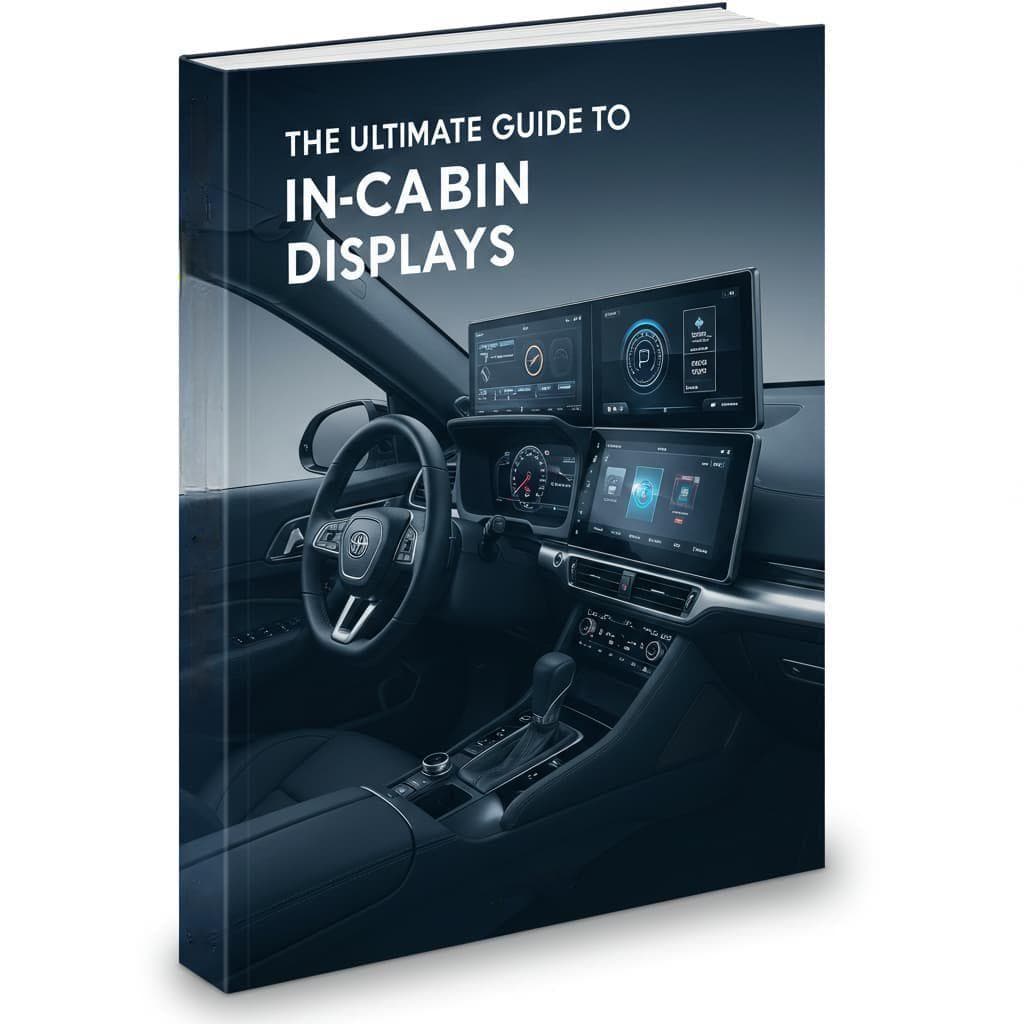
In-cabin displays refer to digital interfaces integrated into a vehicle’s interior, including:
- Digital Instrument Clusters: Replace analog gauges with customizable screens.
- Infotainment Systems: Central touchscreens for navigation, media, and connectivity.
- Head-Up Displays (HUDs): Project critical data onto windshields to minimize distraction.
- Rear-Seat Entertainment (RSE): Screens for passengers to stream content.
Example: Tesla’s 17-inch central display consolidates controls for climate, entertainment, and Autopilot, streamlining driver-vehicle interaction.
Section 2: Why In-Cabin Displays Matter
A. Safety Enhancements
- Minimized Distraction: Voice commands and haptic feedback reduce the need to look away from the road.
- Real-Time Alerts: Display warnings for lane departure, collisions, or tire pressure issues.
- Night Vision Assist: Some luxury brands (e.g., BMW) use thermal imaging displays to detect hazards in low light.
B. Personalization
Customizable themes, widget placement, and driver profiles allow users to tailor layouts for comfort.
C. Sustainability
Digital interfaces reduce reliance on physical buttons, cutting material waste.
Section 3: Key Technologies Behind Modern Displays
- 1.OLED and AMOLED Screens: Offer higher contrast and flexibility compared to LCDs.
- 2.Haptic Feedback: Tactile responses mimic physical buttons (e.g., Audi’s MMI Touch Response).
- 3.AI Integration: Systems like Mercedes’ MBUX learn user preferences to predict commands.
- 4.Augmented Reality (AR): Overlays navigation arrows onto live camera feeds (e.g., Hyundai’s AR HUD).
Case Study: Ford’s SYNC 4 system employs machine learning to prioritize frequently used apps, reducing menu clutter.
Section 4: User Challenges and Solutions
Problem 1: Overly complex menus cause frustration.
Solution: Adopt gesture controls or programmable shortcuts (e.g., Volvo’s swipe-based commands).
Problem 2: Sun glare reduces visibility.
Solution: Anti-reflective coatings and adaptive brightness (tested in Jeep’s Uconnect systems).
Section 5: The Future of In-Cabin Displays
- 1.Transparent Displays: Pioneer’s see-through panels could replace traditional dashboards.
- 2.Biometric Integration: Facial recognition for personalized settings (e.g., Lucid Air’s DreamDrive).
- 3.3D Holography: BMW’s 2024 concept cars feature gesture-controlled holographic buttons.
FAQs
1. How do I clean an in-cabin display without damaging it?
Use microfiber cloths and isopropyl alcohol (70% or less). Avoid paper towels or ammonia-based cleaners.
2. Can older vehicles be upgraded with modern displays?
Yes! Aftermarket systems from brands like Alpine or Pioneer offer plug-and-play retrofits.
3. Are touchscreens safer than physical buttons?
Studies show mixed results; haptic or voice controls provide a middle ground.
4. Do in-cabin displays drain the car battery?
Minimally. Most systems auto-sleep when idle, but frequent use of RSE may require alternator checks.
5. What privacy risks exist with connected displays?
Ensure software is updated, and disable location sharing if unused. Brands like Tesla encrypt user data.
Conclusion
In-cabin displays represent the intersection of automotive engineering and digital innovation. By prioritizing intuitive design and user safety, manufacturers can deliver interfaces that resonate with tech-savvy drivers while aligning with EEAT standards. As autonomous vehicles advance, these systems will evolve from functional tools to immersive companions.
Author Bio: John Carter is a certified automotive UX designer with 12+ years of experience in human-machine interface (HMI) development. His work has been featured in Car and Driver and Wired.

Previous: IP65 Waterproof Standard Compliance Guide: Testing, Certification, and Best Practices
Next: What is a Driver Display Unit?
Copyright © 2025.Hitekon Rugged Vehicle Tablet All rights reserved.
Public Transportation, Taxi Dispatch, Mining, Forklift Safety, Fleet Management, Precision Agriculture